How to play
From shore to server in ten minutes.
One curated modpack carries everything — Cobblemon, our world tweaks, and the performance mods that keep it smooth. Download, install, splash.
play.minebuddy.netSTEP 01
Get a launcher
Install the Modrinth App or Prism Launcher. Both are free and handle all the mod-wrangling for you.
Get the Modrinth AppSTEP 02
Add the MineBuddy pack
Search for MineBuddy inside the launcher and hit install. The pack ships with everything tuned and tested.
View the modpackSTEP 03
Make a splash
Launch, add play.minebuddy.net to your server list, and pick your starter. The water does the rest.
Full walkthroughFabric 1.21.1
pinned by the modpack
Java Edition account
online-mode, no cracked clients
4–6 GB RAM
allocated in the launcher
Full walkthrough
Every step, no guesswork.
Never touched a modded launcher before? These five steps take you from nothing to toes in the water.
- Step01
Install a launcher
Download the Modrinth App (easiest) or Prism Launcher (more control). Both are free, open source, and run on Windows, macOS, and Linux.
- Step02
Sign in with your Microsoft account
You need a paid Minecraft: Java Edition account. Sign into the launcher once and it remembers you.
- Step03
Install the MineBuddy modpack
Search “MineBuddy” in the launcher's modpack browser and click install. The pack pins the right Minecraft version, Fabric loader, and every mod we run.
- Step04
Add the server
Launch the pack, open Multiplayer, and add play.minebuddy.net. Favorite it — you'll be back.
- Step05
Pick your starter
You'll wash up at the welcome cove, where a starter and a short orientation are waiting. After that, the whole ocean's yours.
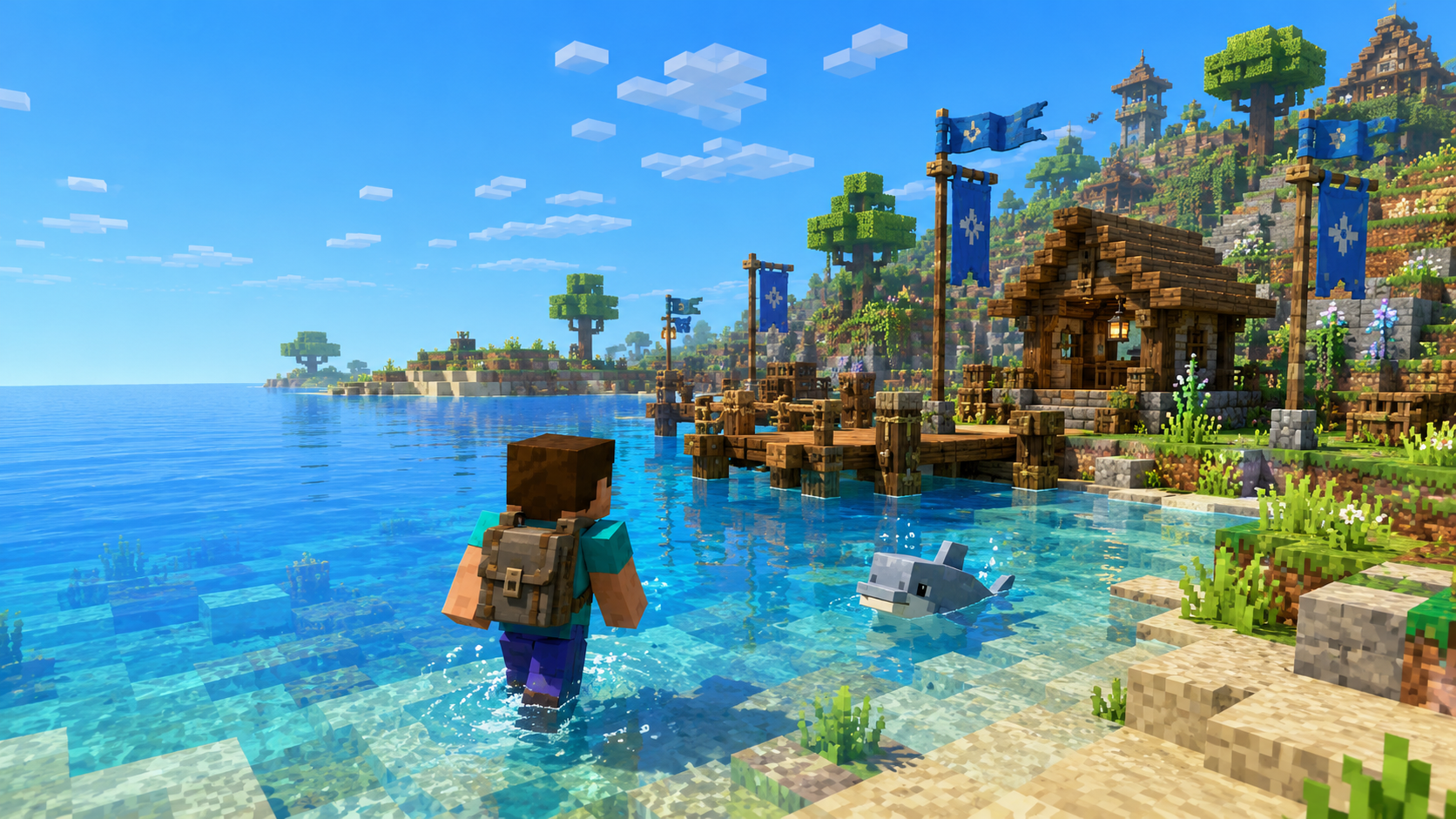
On arrival
The welcome cove is waiting.
A starter, a short orientation, and an ocean that opens in every direction. Your first catch is minutes away.
Before you ask
Setup questions, settled.
What do I need to play?
A paid Minecraft: Java Edition account and our modpack. The pack installs the right version of everything else for you.
Is it free?
The server is free to play. Ranks exist, but they're cosmetic — progression and power are earned in the world.
Do cracked clients work?
No — we run online-mode to keep accounts and inventories safe.
Can I join from Bedrock?
Not yet. Cobblemon is a Java mod today; we're watching the bridge tech closely.
How much memory should I give it?
4–6 GB in the launcher settings is the sweet spot. More isn't better.
Something broke — where do I get help?
The Discord. Post in the help channel and a human (often staff) will pick it up fast.
Stuck on a step?
The Discord help channel has seen every launcher error there is. Post a screenshot and someone will untangle it.